Screen Mirroring Guides
These guides cover the device pairs people actually ask about: iPhone to iPad, iPhone to iPhone, iPhone to Mac, using an iPad as a live camera monitor while filming with an iPhone, and the common “iPad mirror selfie” mix-up (aesthetic photo vs camera setting vs monitor). Each one starts with what Apple already gives you for free — AirPlay, FaceTime screen sharing, macOS iPhone Mirroring — and spells out where those options stop working, so you can decide whether you need anything else.
I wrote every guide myself. I’m Damir, the developer of VlogMonitor and ScreenMirror.TV — the apps referenced on these pages when the built-in path isn’t enough.
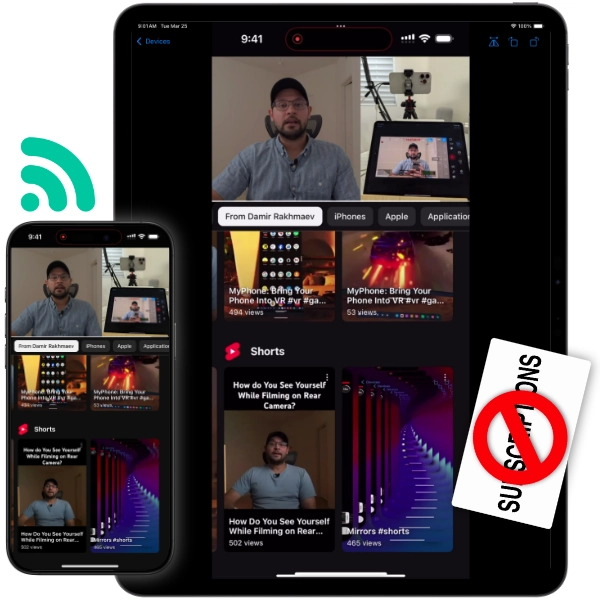
AirPlay can’t do this — here’s what actually works, in one tap.
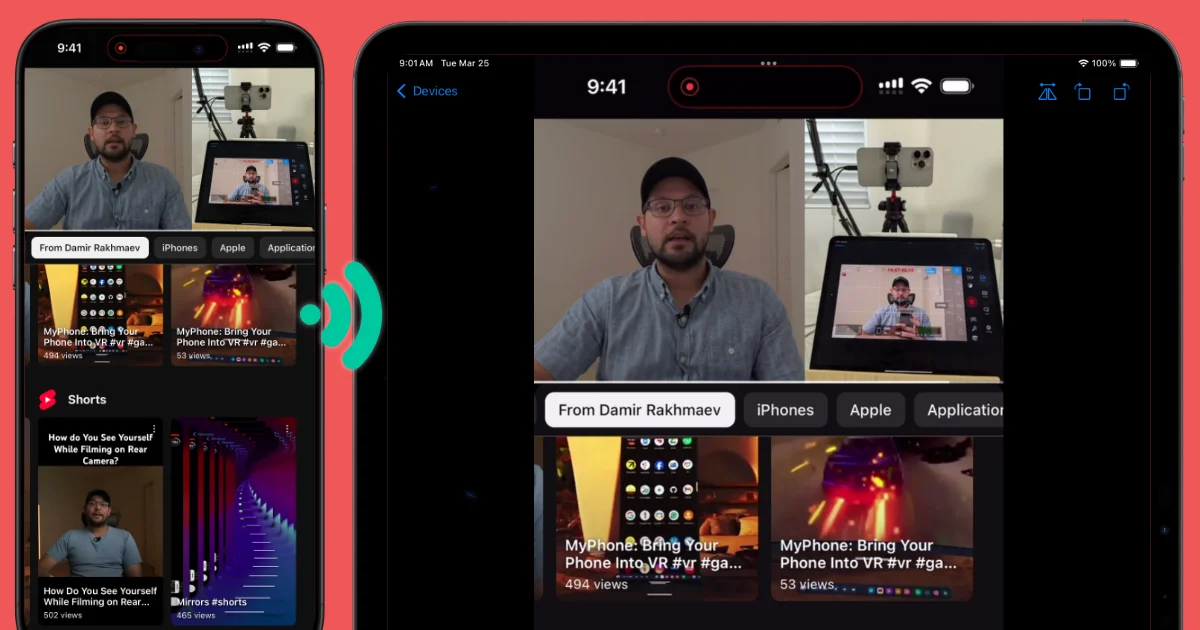
Film with the iPhone’s good back cameras and watch yourself live on the iPad. No $200 gadget needed.
When Apple’s built-in iPhone Mirroring is enough — and what to use when it isn’t.
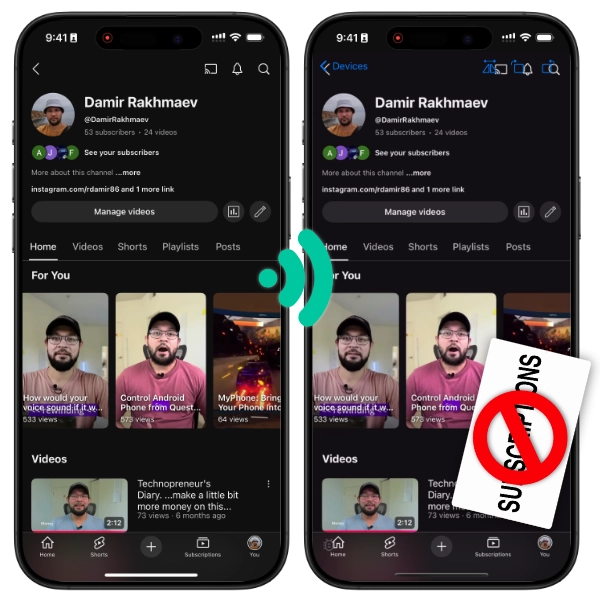
iPhones can’t AirPlay to each other. Here are your options, free ones included.
Aesthetic mirror photos, Apple’s Mirror Front Camera setting, and when you actually need a camera monitor.
Last updated on